

NEWYou can now listen to Fox News articles!
A person walks into an office, says they are from IT and asks to sit at a computer for a quick fix. Most employees would feel relieved. Finally, someone came to solve the tech problem. That trust is exactly what one cybercrime group appears to be counting on.
The FBI is warning that a group called the Silent Ransom Group is targeting U.S. businesses, especially law firms, by pretending to be IT support. The group first tries to talk employees into installing remote access software. When that fails, the scam can move from the phone to the front door.
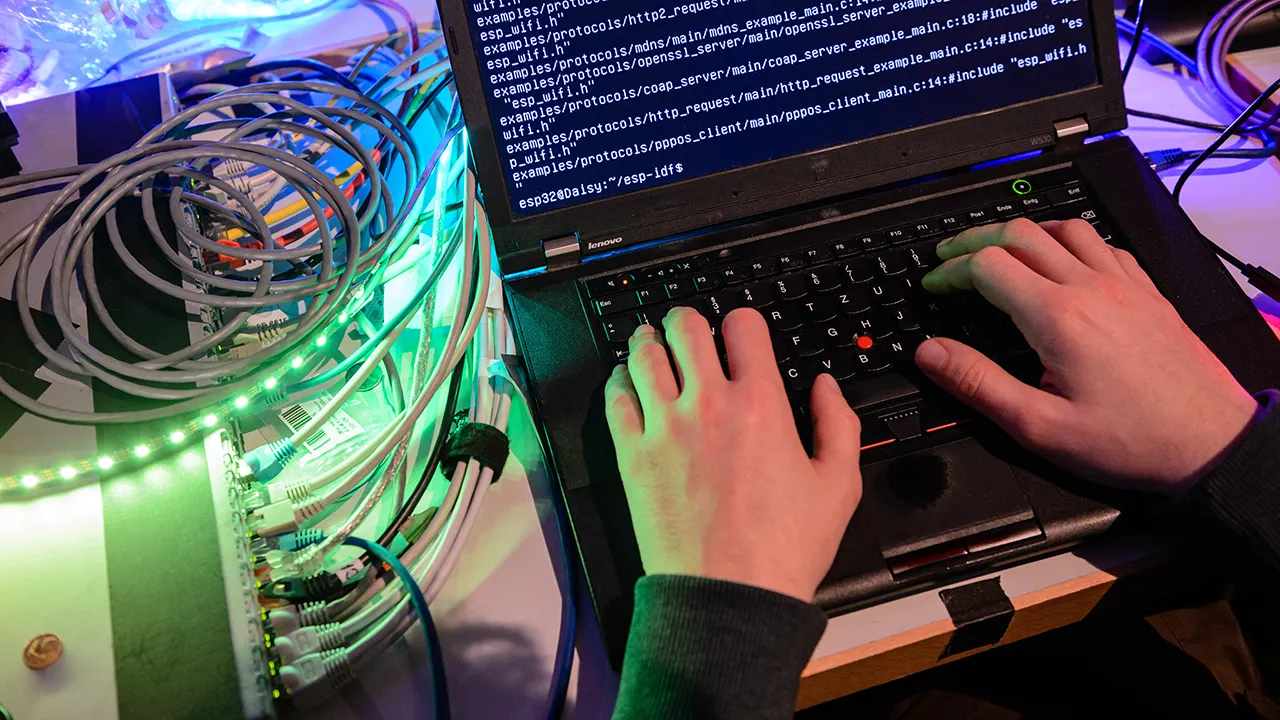
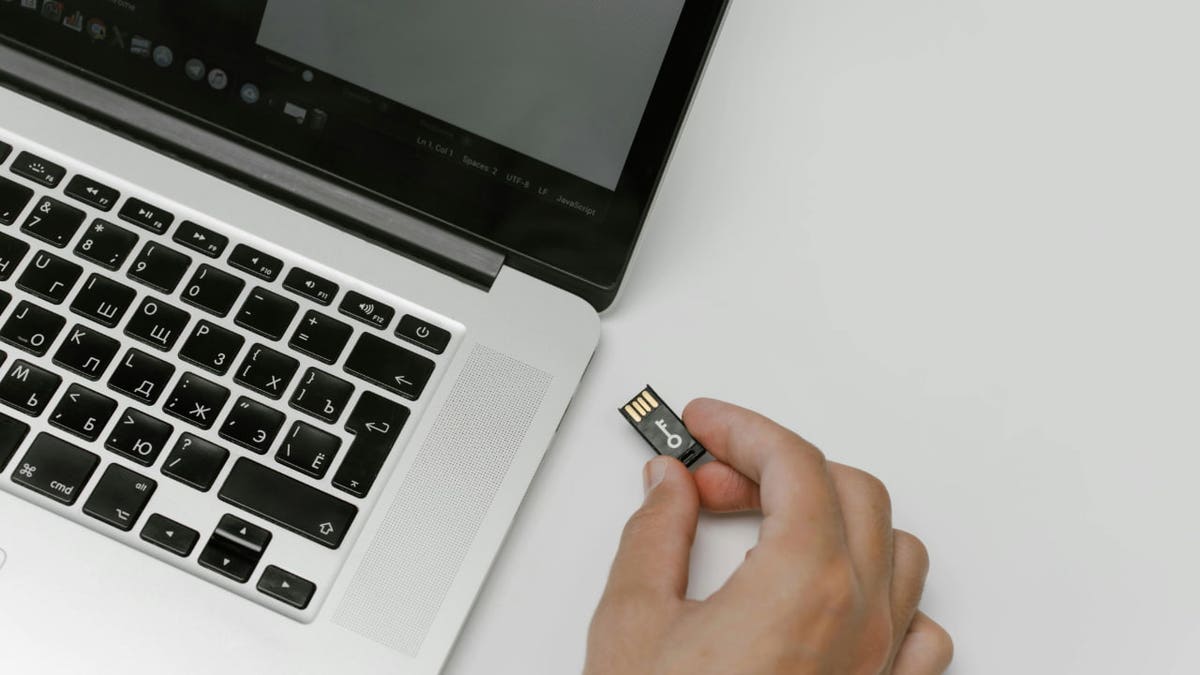
That is where things get especially brazen. According to the FBI, these impostors may show up in person with flash drives, external hard drives and other equipment. Once they sit at a workstation, they can copy sensitive files, gain more access and leave behind malware.
Then they walk away. The company may not hear from them again until the ransom demand arrives.
PROTECTING YOURSELF FROM MICROSOFT TECH SUPPORT SCAMS
Sign up for my FREE CyberGuy Report
- Get my best tech tips, urgent security alerts and exclusive deals delivered straight to your inbox.
- For simple, real-world ways to spot scams early and stay protected, visit CyberGuy.com – trusted by millions who watch CyberGuy on TV daily.
- Plus, you’ll get instant access to my Ultimate Scam Survival Guide free when you join.
How the fake IT support scam works
The Silent Ransom Group, also known as Luna Moth, Chatty Spider and UNC3753, uses phone calls, phishing and old-fashioned nerve. The scam often starts with a call. The person on the phone pretends to be IT support and tries to convince the employee to install remote desktop software. That software gives the attacker access to the computer.
If the employee refuses or the plan fails, the attacker may send someone to the office. That person then poses as tech support. They may say they need to troubleshoot a problem, update a system or check a device. Once seated at the computer, they insert a USB drive or external hard drive. From there, they can pull off files and quietly increase their access.
The FBI says the group uses stolen data to extort victims. They threaten to sell the files or post them online. They may also call employees or clients to pressure the company into paying. That adds a personal layer to the attack. It also turns stolen files into a public shaming campaign.
Why fake IT support scams target law firms
Law firms hold some of the most sensitive information a business can store. That can include client records, lawsuits, contracts, financial details and private negotiations. For criminals, that information has value even without encrypting a single computer.
This group appears to focus on stealing data first. Then it uses embarrassment, legal pressure and client panic as leverage. That makes law firms an attractive target.
However, the warning should concern any business that handles sensitive records. Medical offices, financial firms, insurance companies and small businesses can face similar risks. A fake IT worker does not need a huge hacking setup if someone lets them sit down at a computer.
YOUR EMAIL DIDN’T EXPIRE; IT’S JUST ANOTHER SNEAKY SCAM

Why fake IT visits can fool employees
Most people picture hackers hiding behind screens in another country. This warning flips that idea. Here, the threat may arrive with a badge, a laptop bag and a calm voice.
That makes the scam easy to miss. A receptionist may think the person has an appointment. An employee may assume someone else approved the visit. A busy manager may wave them through because the person sounds confident. That is the trick.
The attacker takes advantage of workplace habits. People want to be helpful. They want broken tech fixed. They also may not want to challenge someone who appears to know what they are doing. However, politeness can give a criminal the opening they need.
Warning signs of a fake IT support scam
A surprise IT visit should raise questions. Be careful if someone shows up without a scheduled ticket, refuses to name who sent them or asks to use a computer without supervision. Also, watch for anyone who brings their own flash drive or external drive.
Another red flag is urgency. Scammers often rush people so they skip normal checks. They may say the issue needs immediate attention. They may claim a security update failed. They may say your machine has a problem that could affect the whole office. That pressure is the point. Slow the situation down before anyone gets access.
FBI WARNS ABOUT NEW EXTORTION SCAM TARGETING SENSITIVE DATA
Ways to stay safe from fake IT support scams
The good news is that a few simple habits can make it much harder for a fake IT worker to get past the front desk, sit at a computer or walk out with sensitive files.
1) Verify every IT visit before giving access
Never let someone sit at a computer because they sound official. Call your company’s known IT number. Do not use a number the visitor gives you. Confirm the person’s name, reason for visit and ticket number. If your business uses outside tech support, keep an approved vendor list at the front desk. Staff should know who can enter and who needs management approval.
2) Require visible approval for outside support
Create a simple rule. No outside technician gets workstation access without approval from a manager or IT lead. That approval should happen through a known channel. A quick verbal claim should never be enough. This protects employees, too. It gives them permission to pause a suspicious situation without feeling rude.
3) Lock down USB drives and external storage
Businesses should restrict USB access where possible. If employees do not need external drives for daily work, block them. If they do need them, limit access to approved devices. Attackers love removable storage because it can move data fast. That small device can carry out client files, payroll records or legal documents in minutes.
4) Train employees to challenge surprise tech support
Security training should include in-person scams, not only phishing emails. Employees need to know that a friendly visitor can still be dangerous. They should feel comfortable saying, “I need to verify this first.” That one sentence can stop an attack.
5) Watch for unusual remote access tools
The FBI says SRG often tries to get victims to install remote desktop management tools. Your IT team should monitor for new remote access software. They should also review alerts when those tools appear on computers that should not have them. Legitimate tools can become dangerous when criminals use them.
6) Limit access to sensitive files
Employees should only access files they need for their role. That way, if one computer gets compromised, the attacker gets less data. Strong access controls can reduce the damage from a stolen laptop session or a fake IT visit.
7) Use strong logging and endpoint monitoring
Businesses should track device connections, file transfers and privilege changes. This can help spot suspicious activity after an unauthorized visit. It can also give investigators a clearer timeline if data leaves the network.
8) Have a front desk security process
A receptionist or office manager should have a written checklist for unexpected visitors. That checklist can include photo ID, company name, ticket number and approved contact. Visitors should never wander through an office alone. A fake IT worker counts on confusion. A checklist creates friction.
9) Report suspicious IT impersonation attempts
If someone shows up pretending to be IT support, report it right away to your manager, your IT team and local law enforcement if needed. Businesses can also report cybercrime tips to the FBI’s Internet Crime Complaint Center at IC3.gov. Even if the person leaves before getting access, the attempt still counts. It may help investigators connect the visit to a larger campaign.
10) Use strong security software on every computer
Install trusted security software on office computers to help detect malware, ransomware and other threats if someone gets access to a machine. For example, strong antivirus software provides real-time protection against malware, spyware, ransomware and other online threats on a PC or Mac. Still, software should support your visitor checks, USB controls and employee training, rather than replace them. Get my picks for the best 2026 antivirus protection winners for your Windows, Mac, Android & iOS devices at Cyberguy.com.
Kurt’s key takeaways
The unsettling part of this FBI warning is how normal the attack looks. No dramatic break-in. No Hollywood-style hacking screen. Just someone pretending to help. That is why this scam can work. It blends into a normal workday. It uses trust, speed and workplace pressure to get past defenses. So the next time someone says they are from IT, pause before handing over your keyboard.
Would you challenge a surprise tech support visit at work, or would you assume someone else already approved it? Let us know by writing to us at Cyberguy.com.
Sign up for my FREE CyberGuy Report
- Get my best tech tips, urgent security alerts and exclusive deals delivered straight to your inbox.
- For simple, real-world ways to spot scams early and stay protected, visit CyberGuy.com – trusted by millions who watch CyberGuy on TV daily.
- Plus, you’ll get instant access to my Ultimate Scam Survival Guide free when you join.
Copyright 2026 CyberGuy.com. All rights reserved.
Read the full article here